Are you wondering how to choose a WordPress theme for your site? If so, then you’ve come to the right place!
Your theme impacts not just the design but also the performance and user experience, both of which are key to ranking well in search engines.
The official WordPress theme repository provides over 14,000 free themes that you can use for your site’s design. More premium options are also available in marketplaces.
With so many themes available, knowing what to look for to match your goals and ensure SEO is essential. Therefore, to help you choose the best WordPress theme for your website, we’ve prepared a perfect guide on selecting WordPress themes and what to look for.
Let’s get started.
Video – Choosing a WordPress Theme
Want to check out a video instead? Here’s our quick guide!
Keep reading for a more detailed look!
What is a WordPress Theme?
A theme is a combination of templates and stylesheets that determine the appearance and design of your website. It defines how your website looks to your visitors.
In WordPress, themes are the templates that allow you to customize and style your WordPress site to fit your business, organization, or vision. They primarily define how your content appears on your site.
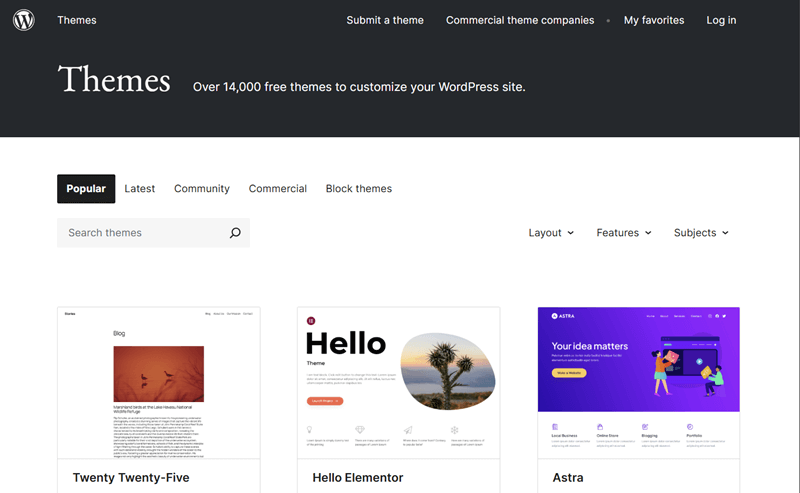
A theme normally consists of different styling elements, such as,
- Colors
- Font sizing
- Layouts
- Element sizing and positions, and more.
You can easily customize WordPress themes and control how your content looks.
Note:
WordPress themes can be free or premium based on cost and support. Free themes are available at the official WordPress theme repository or trusted marketplaces. They are ideal for beginners and simple projects. Some free themes also offer paid plans, calling them as freemium themes.
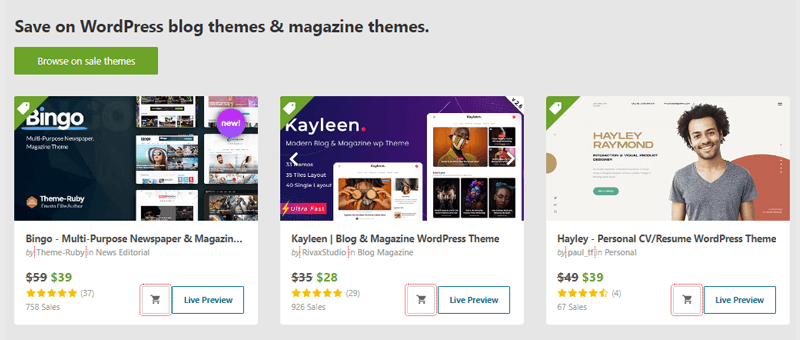
While premium themes are sold by developers and marketplaces like ThemeForest. These themes offer more design options, advanced features, regular updates, and dedicated support. Business websites and users who want more control over design can go for premium themes.
Why Choose the Right WordPress Theme?
You need to be clear that your WordPress theme isn’t just about how your website looks; it’s the backbone of how it functions and feels to your visitors.
Let’s say you visit a site. If it’s messy, unorganized, or hard to navigate, would you stay? Probably not!
The same goes for everyone. Therefore, a good theme ensures that your site looks professional and is easy for visitors to explore.
Here are some key reasons why choosing the right WordPress theme is so important:
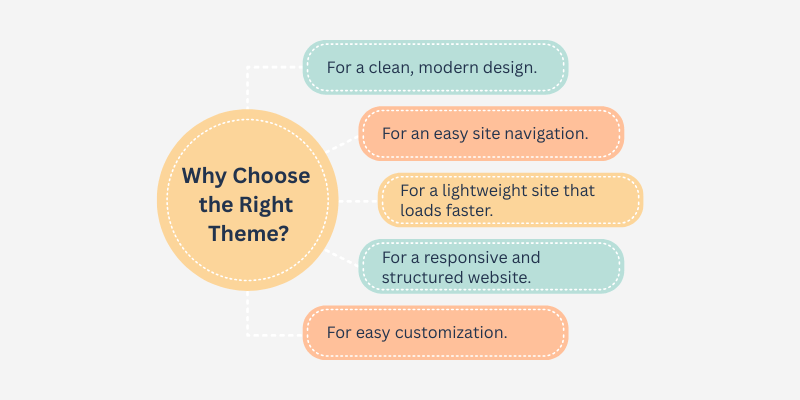
- A clean, modern design can grab attention and keep people browsing.
- A well-designed theme makes your website easy to navigate.
- Lightweight and optimized theme helps your site load faster.
- Search engines love websites that are well-structured and mobile-responsive.
- You’ll want to customize your theme, but a poorly coded theme makes it difficult or requires hiring a developer to switch or update.
Different Types of WordPress Themes
There are so many different types of WordPress themes. Understanding the differences between them helps you choose the theme that fits your goals, skill level, and the flexibility you want.
Here are some of the popular types of WordPress themes. Let’s check them out!
1. Block Themes
Block themes are the newest kind of WordPress themes. These themes provide the Full Site Editing experience that modern WordPress versions offer. So, they are also known as FSE themes.
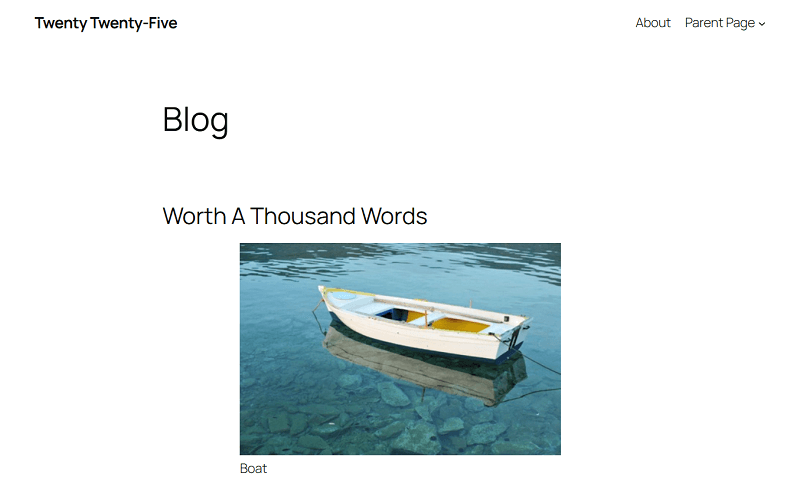
Moreover, every section of your website, whether header, footer, content, or menu, are made up of editable blocks. Within the single Site Editor, you can drag, drop, rearrange, and style them visually.
In fact, you can create, save, and reuse patterns (pre-built sections) or use the theme patterns to build sections of your website. Therefore, block themes gives you more control over site design and layout flexibility. This reduces the need for additional page builder plugins.
Check out the best WordPress block themes to quickly use a highly editable theme.
2. Classic Themes
Classic themes are the traditional type of WordPress themes that was usually used by websites before block themes. These themes provide the Customizer, settings in theme panels, Menus, and Widgets instead of letting you build layouts with blocks.
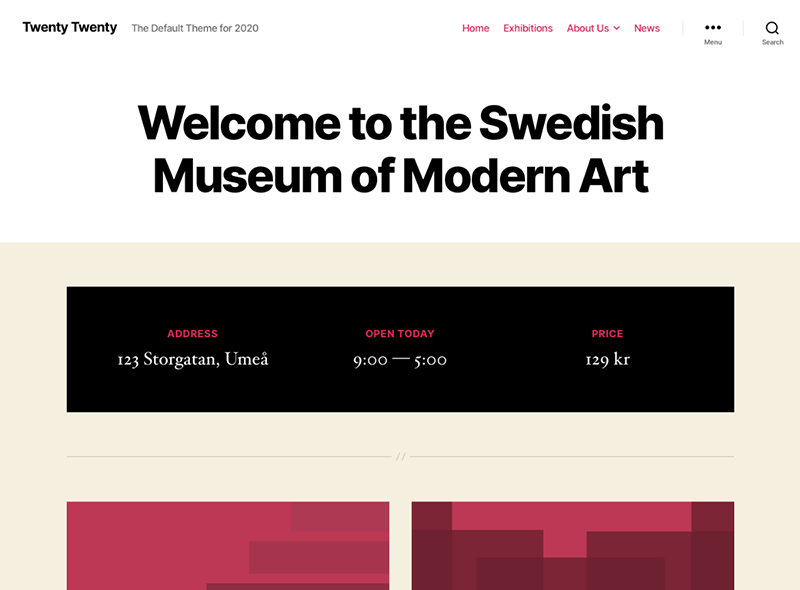
Moreover, classic themes widely support and work well with WordPress plugins and page builders. That’s because these themes are less flexible than block themes in terms of layout changes. So, using a page builder with a classic theme is what people usually do.
Notably, classic themes use familiar structures and customization panels which gives usual experience like the older versions of WordPress and page builders. So, people generally prefers using these themes.
3. Hybrid Themes
Likewise, hybrid themes have the combination of the elements from classic and block themes. These themes are actually traditional themes at heart with Customizer. However, they also include block-based features of site editing, including the template editor.
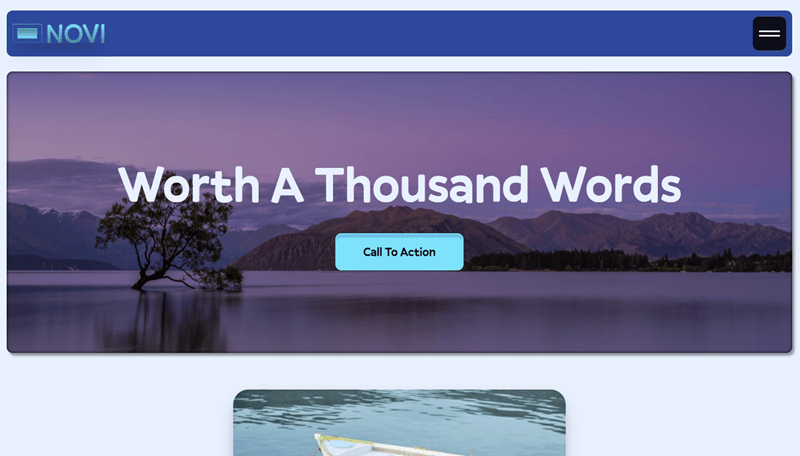
Hence, you can use the Customizer to customize your website. Further, you can create a template through the site editing features of block themes. So, hybrid themes are a middle ground. They offer the visual flexibility of blocks, but without completely committing to a block theme workflow.
However, hybrid themes don’t offer flexibility as much as full block themes, and just more than classic themes. Suppose you want a theme that adopt blocks and some newer WordPress features. But you want to keep using familiar theme settings and layouts. In that case, go for hybrid themes.
4. Universal Themes
Moving forward, universal themes are bridge themes that work well with both traditional customization systems and the new block editor. These themes support complete block editing in the site editor along with the customizer for more options on menus and widgets.
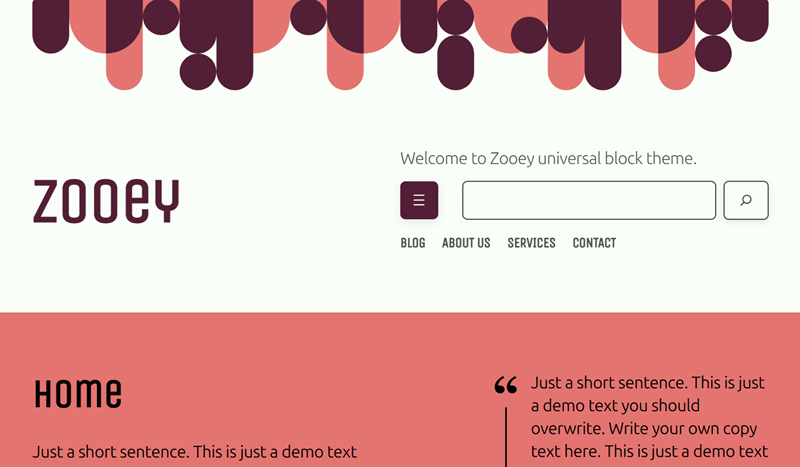
Meaning, you’ve the choice to build your website as you want. Use the site editor or customizer. Anything is possible. Understand that, such themes offer block-based templates, but you can use them for a classic theme editing experience as well.
In fact, universal themes are perfect for beginners who are transitioning from older WordPress versions. Further, it’s also a perfect choice for developers who want compatibility with both editors.
How to Choose a WordPress Theme? (10 Tips)
There are things you must consider and look for in themes before getting the theme. Let’s take a look:
1. Works Well with Your Purpose
Before choosing a WordPress theme, you must figure out what you need. You’ve got to know your niche and/or the purpose of your site. Once you clearly understand that, searching for themes.
Different types of websites display content and structure the site differently. For example, a blog website often displays and organizes content from the most recent to the oldest. Conversely, a photography website should allow you to showcase your photos elegantly.
Fortunately, WordPress has themes specifically built for almost every type of site. You just need to try to check which themes provide the best features. Check out the different types of websites.
For a specific kind of site or industry, find a niche theme. These themes don’t give a broad layout options, but offers templates, features, and content structures for a single purpose.
For example, LMS or online course themes provide templates and features for courses, quizzes, certificates, etc. They integrate well with video apps, payment gateways, etc.
Here’s a list of the best WordPress LMS themes.
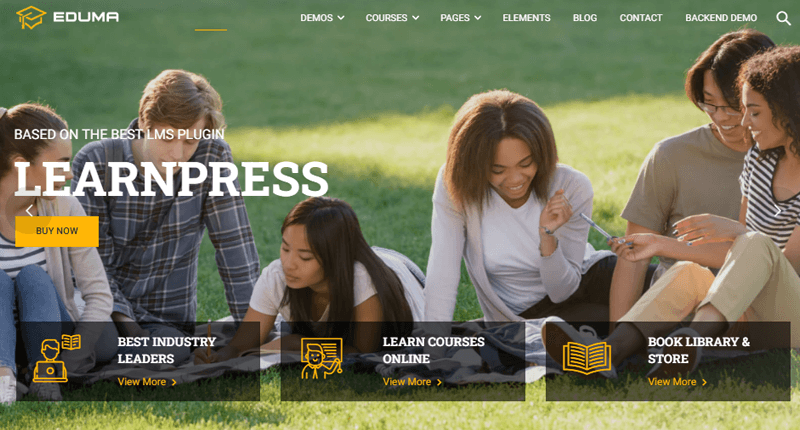
Further, you don’t have to spend much time to setup and customize the template with niche themes. They already have the built-in features for your polished, niche site. But if you want to repurpose the same theme for a different site, then it isn’t flexible enough to give you that ability.
On the other hand, there are multipurpose themes that fit many different kinds of websites. They don’t just focus on a specific style or industry, but a variation of kinds. That can be business sites, blogs, portfolios, and eCommerce sites.
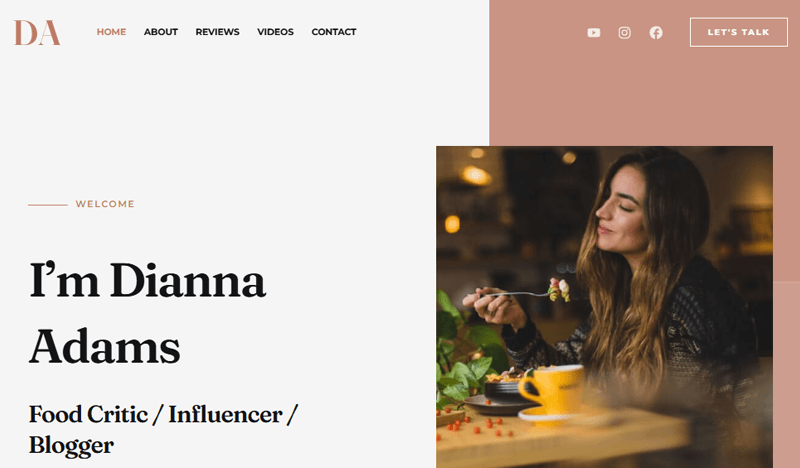
Additionally, these themes offer a wide range of templates, layouts, pre-built sections, demos, and customization features. Plus, they support different plugins and page builders. You can find both free and premium versions of such multipurpose themes.
If you own multiple businesses or work as a developer, then using a single multipurpose theme is beneficial. You don’t need a different theme for each new website idea. You can just set one up and use it for your goals as you want to build all your sites.
2. Minimalist Design and Responsiveness
Having a responsive and mobile-friendly website is very important for providing a pleasing browsing experience for your visitors. Google also prioritizes mobile-friendly websites for search rankings. Here, mobile-friendly and responsive sites mean that they adapts to different screen sizes.
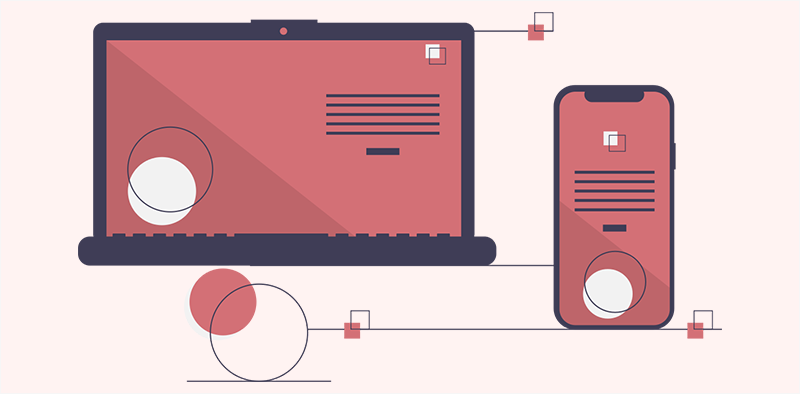
This means that your website should have a variable width that readers can easily adjust according to screen size. The content should remain readable without zooming or horizontal scrolling.
Otherwise, if the content becomes hidden or restricted. You must apply other techniques. This can be adding mobile-friendly navigation like a hamburger menu and options for convenient touch navigation.
Hence, you must choose such a WordPress theme for an elegant site that can be run on mobile devices of every size with no hassle. This unlocks you to more potential audiences, as more than 62% of traffic on the web is from mobile devices.
Along with responsiveness, a minimalist design helps your site stay clean and easy to navigate. So, your theme must also offer effective yet simple layouts and readable fonts. These offer fewer distractions to improves user experience and makes your content more accessible on all devices.
Check out the best WordPress free minimalist themes.
Got it. Here’s a concise, 4-sentence version that avoids repetition:
A good WordPress theme should be fast, lightweight, and accessible for all users. It should provide a smooth experience with clean, readable layouts. Performance and speed are important to keep visitors engaged. So, accessibility and efficiency ensure your site works well for everyone.
3. SEO Friendliness
A well-optimized WordPress site helps your content rank higher in search engine results. Ultimately, it brings more visitors and potential customers. Search Engine Optimization (SEO)-friendly themes make your site fast, lightweight, and easy for search engines to read.
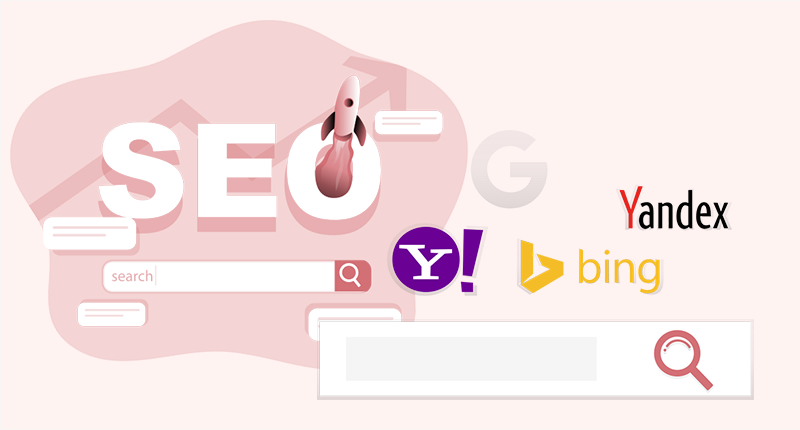
Such themes use proper HTML structure, clean code, and good heading organization. They may also support schema markup, helping search engines understand your content better.
Therefore, it’s important to choose a WordPress theme that is SEO-friendly. Check if your theme is compatible with popular SEO plugins like Yoast SEO, Rank Math, and others.
4. Support Plugins You Need
WordPress allows you to extend your site’s functions and features using different add-ons and extensions called ‘plugins’. They’re a piece of a program that adds new features and improves functionality to your site.
The official WordPress plugins repository provides you with over 61,000 free plugins to add to your site. Utilizing these plugins properly can help you optimize your site for better speed, performance, and efficiency. You can also easily take care of the backup and security using plugins.

However, all this is possible only if your chosen theme is compatible with respective plugins. For a functional and featureful website, having a plugin is very crucial. Therefore, if a theme isn’t compatible with major plugins, then it can limit your site’s functionality.
Before you buy a theme, you should select one that runs smoothly and is compatible with all the important plugins.
You can check the detailed guide about what a WordPress plugin is to learn more about it.
5. Frequent Update and Support
You may encounter problems while setting up your theme. This can slow down your setup or workflow and affect productivity. To minimize the impact and get help during those situations, it’s important to look for a theme with reliable support.
You also need to choose a theme that provides frequent updates. Online security threats are rising daily, and updates often include patches, improvements, and new security measures to protect your site from vulnerabilities.
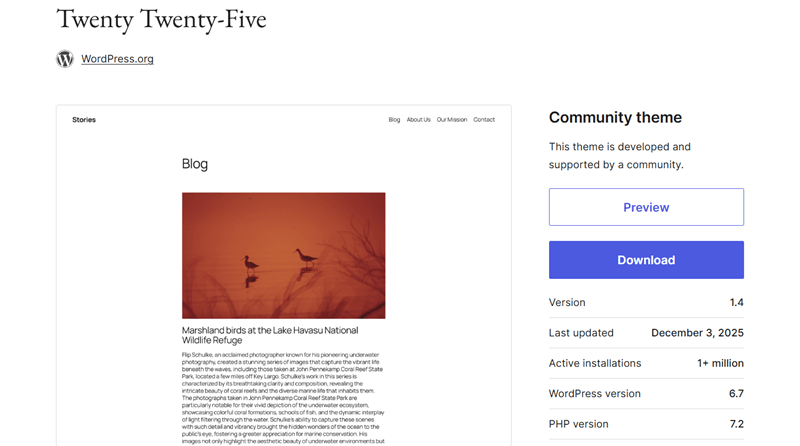
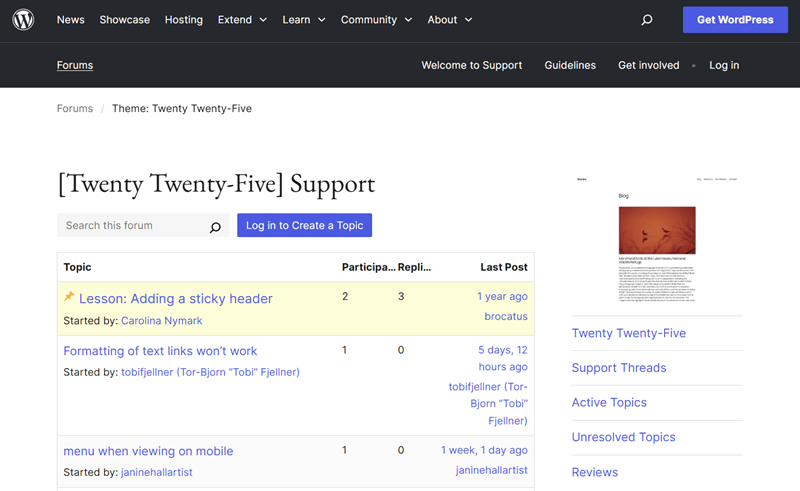
However, some free themes may lag behind in this area. While they may be free, they often don’t provide reliable support or frequent updates. These themes usually rely on user forums where you can post problems, but there’s no guarantee of fast or effective solutions.
Most premium themes, on the other hand, provide fast and reliable support with frequent updates. They often include dedicated support channels, detailed documentation, and troubleshooting help to overcome any obstacles.
To make an informed choice, it’s a good idea to check a theme’s changelog and support responsiveness before selecting it. Frequent updates and reliable support help eliminate issues with the theme and ensure smooth, long-term functionality.
6. Compatibility with Page Builders
Page builders are very important when creating your website. They allow you to design and position different elements on your site easily. Most page builders use simple drag-and-drop tools, which make building and editing pages much easier for beginners.
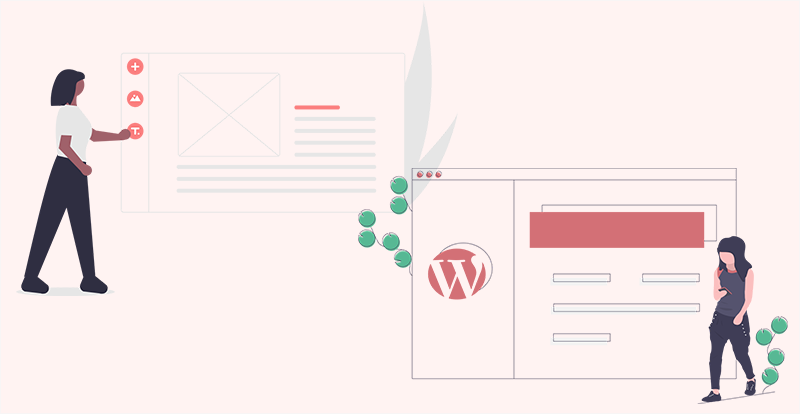
With a page builder, you can create different types of pages such as landing pages, contact pages, blogs, or forums without touching code. They give non-technical users more control over layout and design, especially when building custom landing pages.
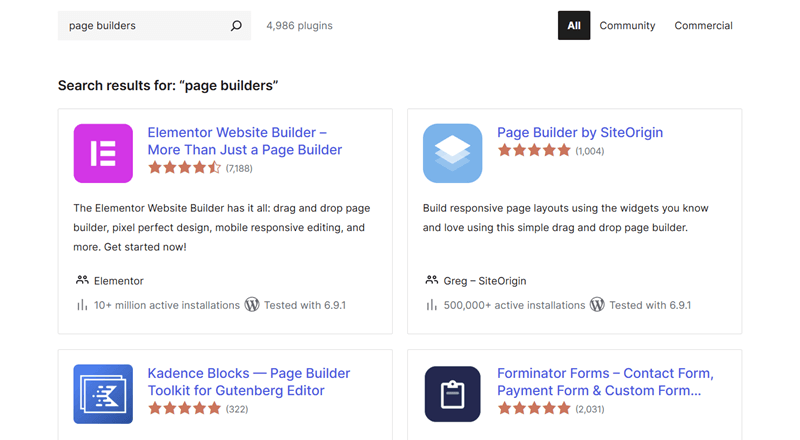
Some popular page builders are Elementor, Page Builder by SiteOrigin, Beaver Builder, and Visual Composer. Many WordPress themes are built to work smoothly with these plugins. Some themes even come with built-in page builders for quick page creation without installing extra plugins.
Similarly, modern WordPress includes the Gutenberg block editor, which already offers flexible layout options without needing a separate page builder. Many newer themes are optimized for this editor.
Since heavy page builder plugins can sometimes affect website speed, it’s wise to choose a lightweight theme that works well with either the default block editor or your preferred page builder.
7. Easy Customization
Although WordPress allows you to select a theme for your site from thousands of free and premium themes, you might want to customize it further to make it look unique from other sites using the same theme. Making changes to fit your idea or business perfectly should be easy for a theme.
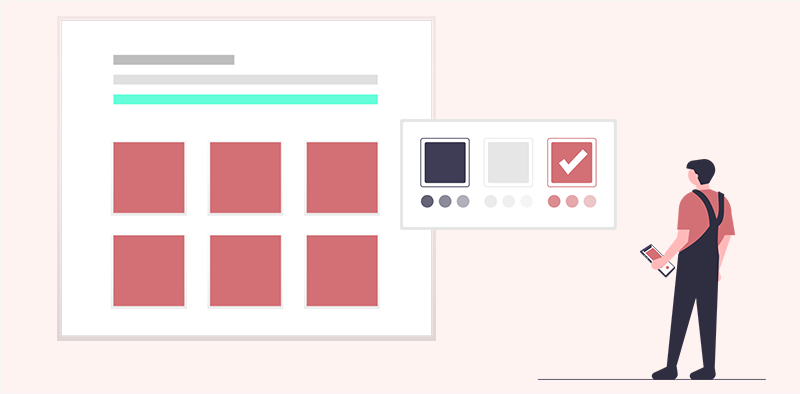
Having a theme that lets you easily customize it and add new functions and features is crucial. The themes from the WordPress library often provide a good range of customization options. However, the customization range still lags behind that of some popular premium themes.
Many themes support the WordPress Customizer and popular page builders or offer the site editor, making it easier to change layouts, colors, and fonts. Themes with pre-built templates and flexible design options allow beginners to customize their site quickly without starting from scratch.
You should check the customization options that the theme provides to differentiate your site from others easily.
8. Compatibility with Browsers
People often use and prefer different types of browsers to access the web. As of record:
- Google Chrome is the most used, with more than 71.37% of users on the web. (Source)
- Safari is second with 14.75%. (Source)
- Followed by 4.65% of Edge users. (Source)
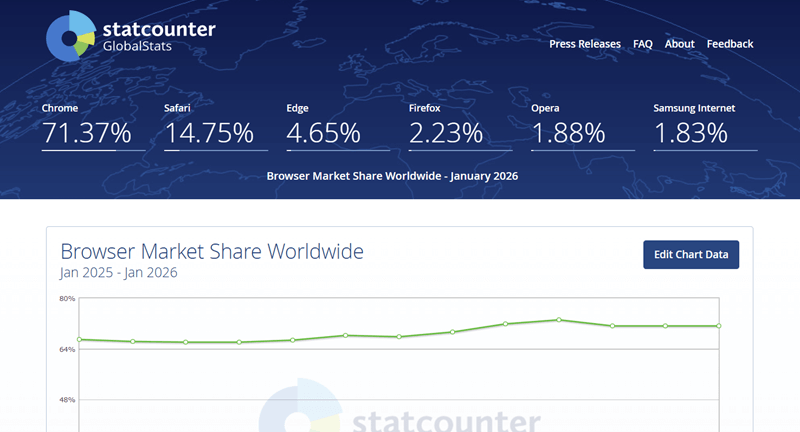
Your websites should be easily accessible by all these different types of browsers, as you can’t control the users. You should get a theme that allows all these browsers to access your site without hassle.
If your theme isn’t compatible with browsers, your site may not load correctly for visitors. A theme incompatible with some browsers results in a huge traffic loss. Therefore, it’s very important to go with a theme that is compatible with almost all major browsers.

The WordPress themes library mostly has cross-browser compatible themes, which are well-tested before deployment, so you often don’t have to worry about them. However, checking if the theme of your choice is compatible with different browsers makes it safer.
Even if a theme claims cross-browser compatibility, it’s a good idea to test your site on different browsers and devices to ensure everything displays and works correctly for all visitors.
9. Better Ratings and Testimonials
Even if you have a list of some of the best themes that satisfy all your requirements, you can’t guarantee they work well. It’s hard to know how well a theme performs without trying it yourself. This is where checking the ratings and reviews comes in.

Ratings and reviews can be a great deciding factor when choosing your theme. You can check if people like the theme by reading the reviews. People post their experiences and feedback on how the theme has worked for them and whether it’s worth getting.
When checking reviews, pay attention to recent feedback and recurring complaints, not just overall ratings. Reviews on WordPress.org are usually from verified users, making them more reliable than random blog posts or unverified sources.
Themes also have different testimonials from users on their sites that can help you decide whether the theme is worth getting.
Let’s take a look at some of the popular themes in the WordPress directory.
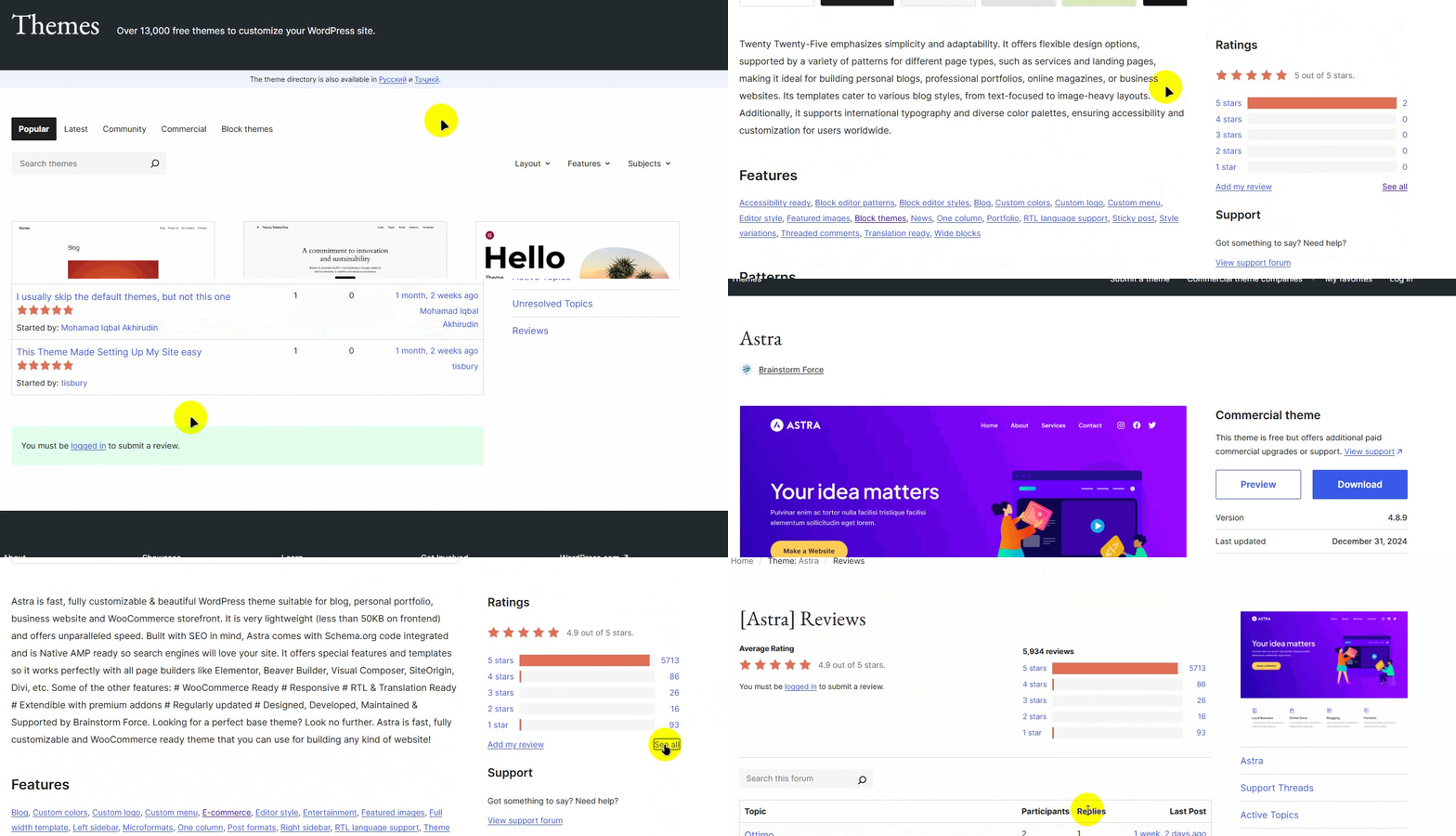
You can easily find the ratings and reviews for all the themes for the WordPress library. Also, you can check reviews from reputable bloggers to get a deeper understanding of a theme’s performance.
10. Cost and Expenses
The most crucial thing when choosing a theme is the cost. You must be very mindful of the theme’s cost and your budget. Choosing a theme beyond your budget can lead to unnecessary expenses or limitations.
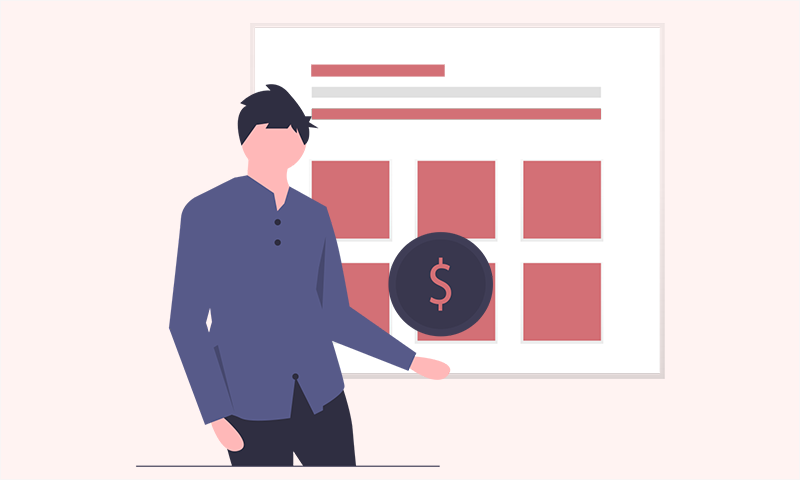
The WordPress theme directory provides you with a good selection of free themes. Some free WordPress themes like Astra, OceanWP, Neve, Zakra, etc are really good products. You can make any type of website with these free themes.
They provide you with free support and updates, too. But all the free themes may not be good. So, be careful while choosing free WordPress themes. Sometimes free themes require paid add-ons for full functionality, so total cost may increase.
Let’s quickly look at what free and paid themes can offer.
| Free Theme | Premium Theme |
|---|---|
| It can be a good option if your needs are minimal. | Comes with advanced features and better design capabilities. |
| Hidden costs may arise for additional features. | Offers superior customization and higher quality from the start. |
| Can be a good option if your needs are minimal. | Ideal for those needing premium features and professional designs. |
| It may lack essential features, requiring upgrades. | Looks like one upfront cost, but it may lead to more unforeseen expenses later. |
Some of the Best WordPress Themes
Now that we’ve explained 10 points for choosing the best theme, you may be able to pick one easily. Check out the best WordPress themes and templates on our guide
If you still need some suggestions, then here are our top recommended themes:
1. Astra – Most Popular Free WordPress Theme

Astra is one of the best WordPress themes, with 1 million+ active installations, which is 10% of all WordPress websites. This theme comes with 300+ prebuilt websites that are ready to import. Plus, you can adjust this theme’s colors, fonts, and layouts to match your style without any coding.
2. Kadence – Most Modern and Professional WordPress Theme
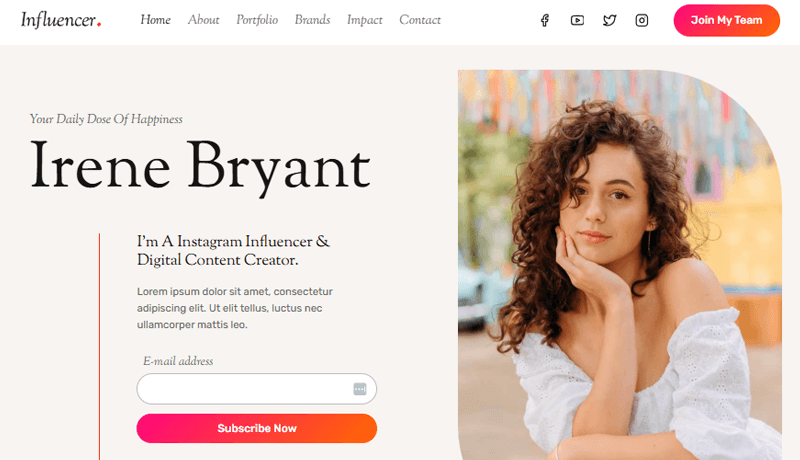
Kadence is a highly versatile WordPress theme with 400K+ active installations. It offers fast performance, built-in header and footer builders, and full compatibility with the block editor. It also includes pre-built starter templates and flexible customization options for colors, fonts, and layouts.
3. Avada – Best Selling WordPress Theme at ThemeForest

With 1,052,676 sales, Avada is one of the popular premium themes for WordPress websites. It comes with 120+ design layouts and elements and offers 108 pre-built websites that you can import with just a single click.
4. Divi – Popular Multipurpose Premium Theme.
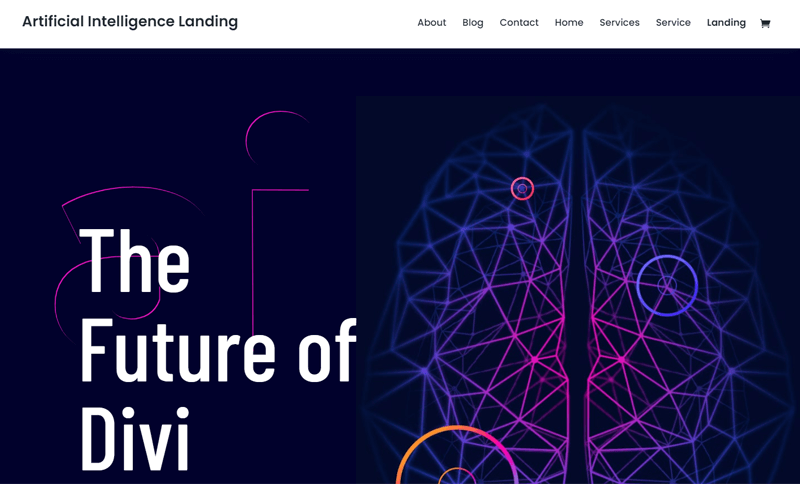
Another popular theme is Divi, a theme and page builder combo that offers simple, no-code editing, advanced design systems, and powerful AI tools. With this theme, you can choose from thousands of pre-made designs and hundreds of unique building blocks, making site-building easy.
5. Storefront – Best eCommerce/Online Store Theme
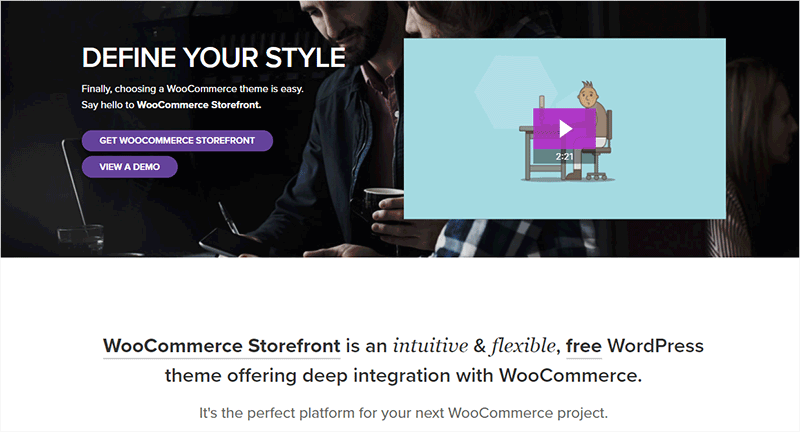
Next, we recommend Storefront, built by Automattic, the company behind WordPress. This theme features a bespoke integration with WooCommerce itself, plus many of the most popular customer-facing WooCommerce extensions. It also has several layout and color options to personalize your shop.
Frequently Asked Questions
1. Can I change my WordPress theme later?
Yes, you can switch themes at any time. However, some customization and content layout may need adjustments after the change.
2. What’s the difference between a theme and a template in WordPress?
A theme controls your website’s overall design and layout, while a template is a pre-designed page layout that can be used within a theme.
3. What should I do if my theme is not compatible with my plugins?
You may need to update the theme, choose different plugins, or switch to a theme that offers better plugin compatibility.
4. How often should I update my WordPress theme?
It’s important to update your theme whenever an update is available to ensure security, compatibility, and access to new features.
Conclusion
And that’s all, folks!
We’ve concluded our article on how to choose a WordPress theme for your website.
We hope that you understand how to pick a theme now. But if you still have any questions about this article, please comment below. We’ll be happy to help you.
If you have any suggestions, please let us know; if you like this article, please share it with your friends and colleagues.
Also, check out our other articles, such as how to know what theme a WordPress site is using and how to sell WordPress themes.
For more guides, explore our blog. You can also follow us on Twitter (X) and Facebook to stay updated with our content.
YOU MIGHT ALSO LIKE...
We've picked you some best articles that you might be looking for. Check them now!